
Automatiza trabajo repetitivo y ahorra tiempo en tu negocio
Ayudamos a negocios pequenos y medianos a conectar formularios, emails, hojas de calculo, dashboards y herramientas de IA en flujos simples que reducen trabajo manual.
Tu equipo puede estar perdiendo demasiado tiempo moviendo informacion a mano.
Solicitudes importantes se pierden en correos.
Los datos se copian manualmente a hojas de calculo.
Documentos se guardan o renombran a mano.
El seguimiento depende de la memoria.
El equipo repite los mismos pasos administrativos.
Los responsables no ven rapido el estatus del proceso.
Flujos simples que mantienen tu negocio avanzando.
Ideas disena automatizaciones que conectan tus herramientas actuales para mover informacion desde captura hasta organizacion, notificacion y seguimiento.
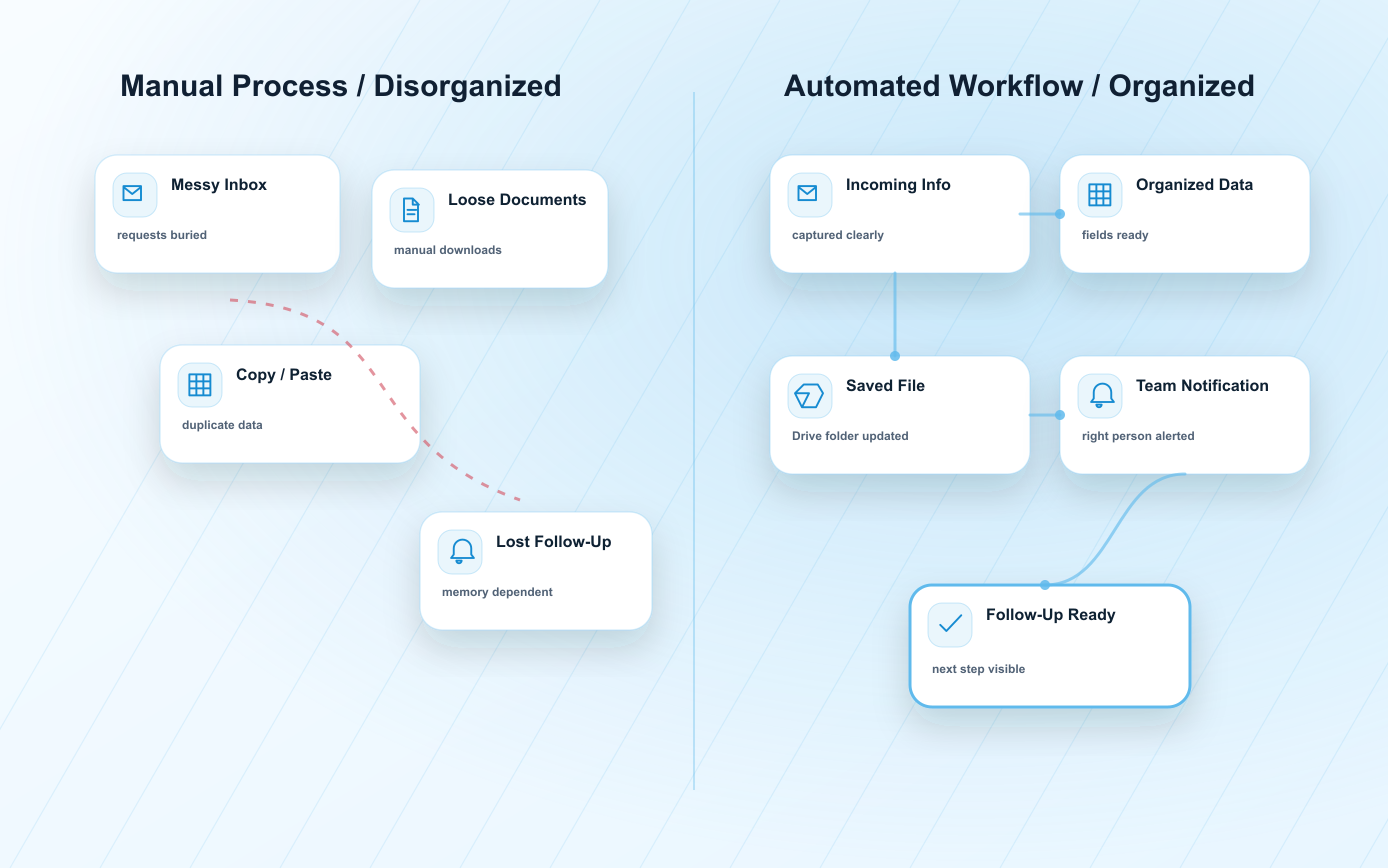
Invoice Automation puede convertir documentos dispersos en un proceso organizado.
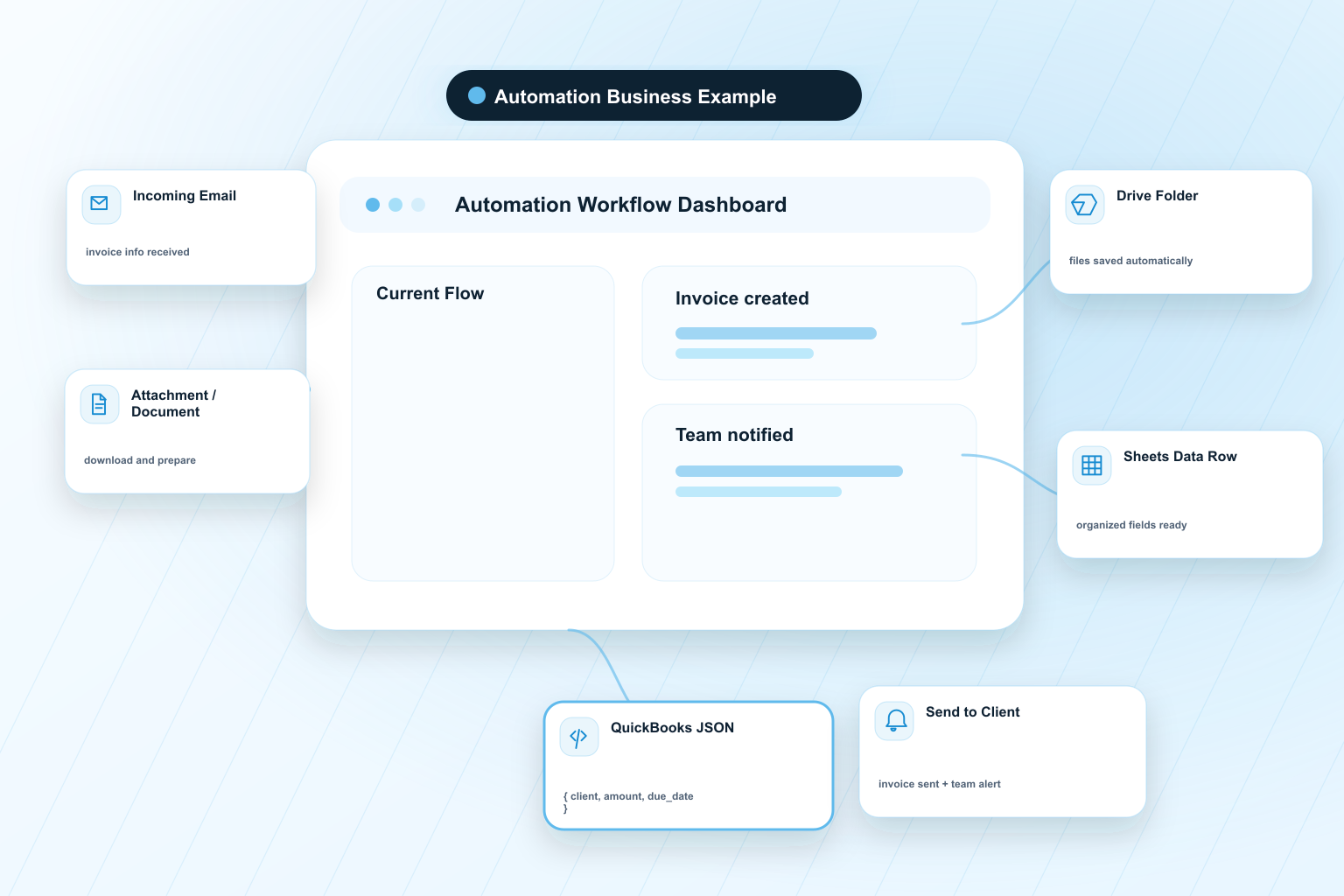
A business receives emails with invoice information. The automation identifies the relevant email, opens it, downloads attachments, saves those files in Google Drive, parses the important data into Google Sheets, prepares a structured QuickBooks JSON, creates the invoice in QuickBooks, saves the created invoice in Drive, sends it to the client and notifies the internal team.
Referencia de paquete: Automation Business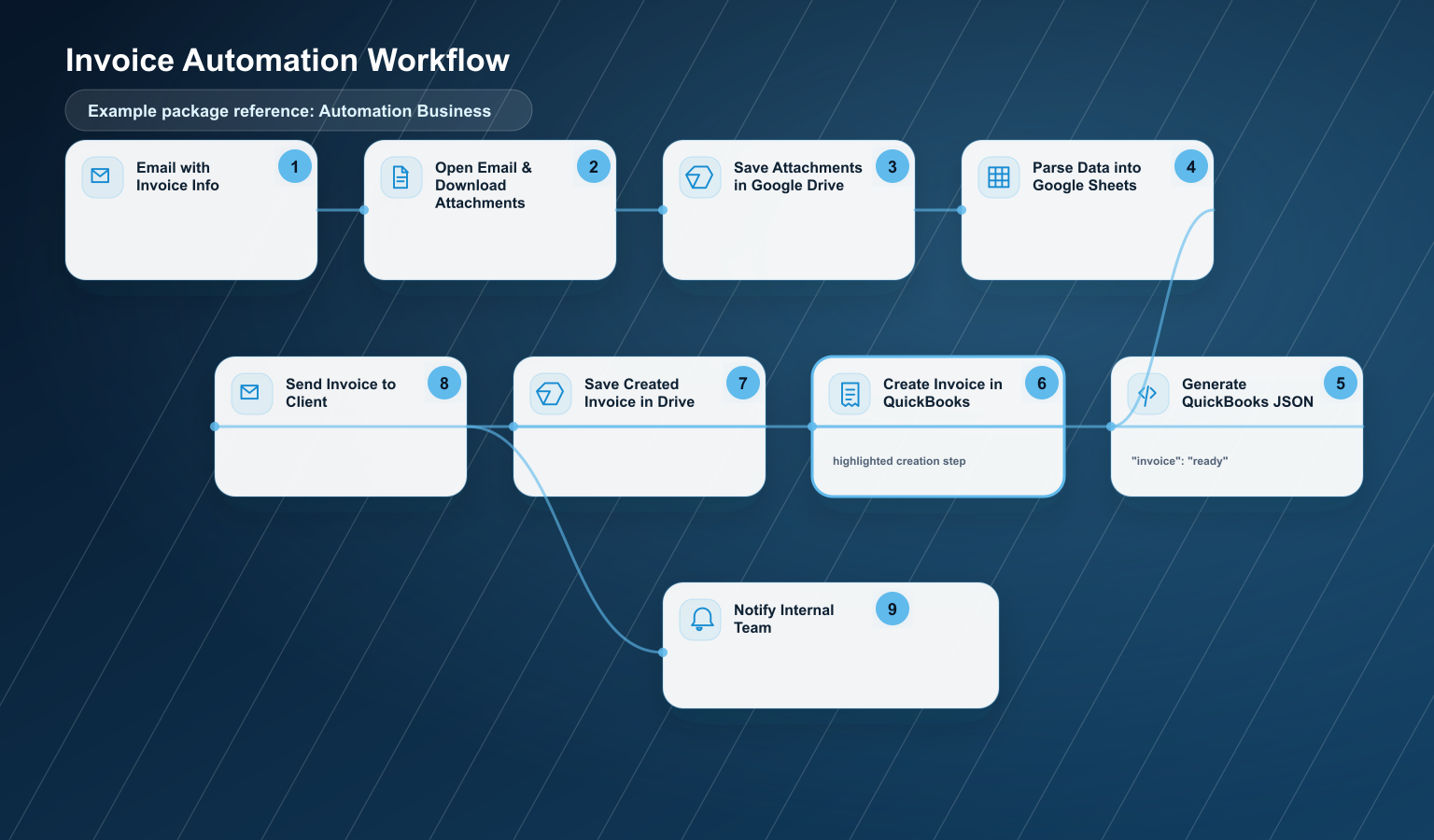
Email with Invoice Info
Open Email & Download Attachments
Save Attachments in Google Drive
Parse Data into Google Sheets
Generate QuickBooks JSON
Create Invoice in QuickBooks
Save Created Invoice in Drive
Send Invoice to Client
Notify Internal Team
This workflow can fit into Automation Business when the scope is controlled and does not require advanced OCR, complex approvals, high-volume processing or critical bidirectional QuickBooks synchronization.
It may move to Automation Pro or Custom when it includes advanced OCR, high volume, complex approvals, an advanced dashboard, special business rules, multiple document types, critical or bidirectional QuickBooks sync, or critical error handling.
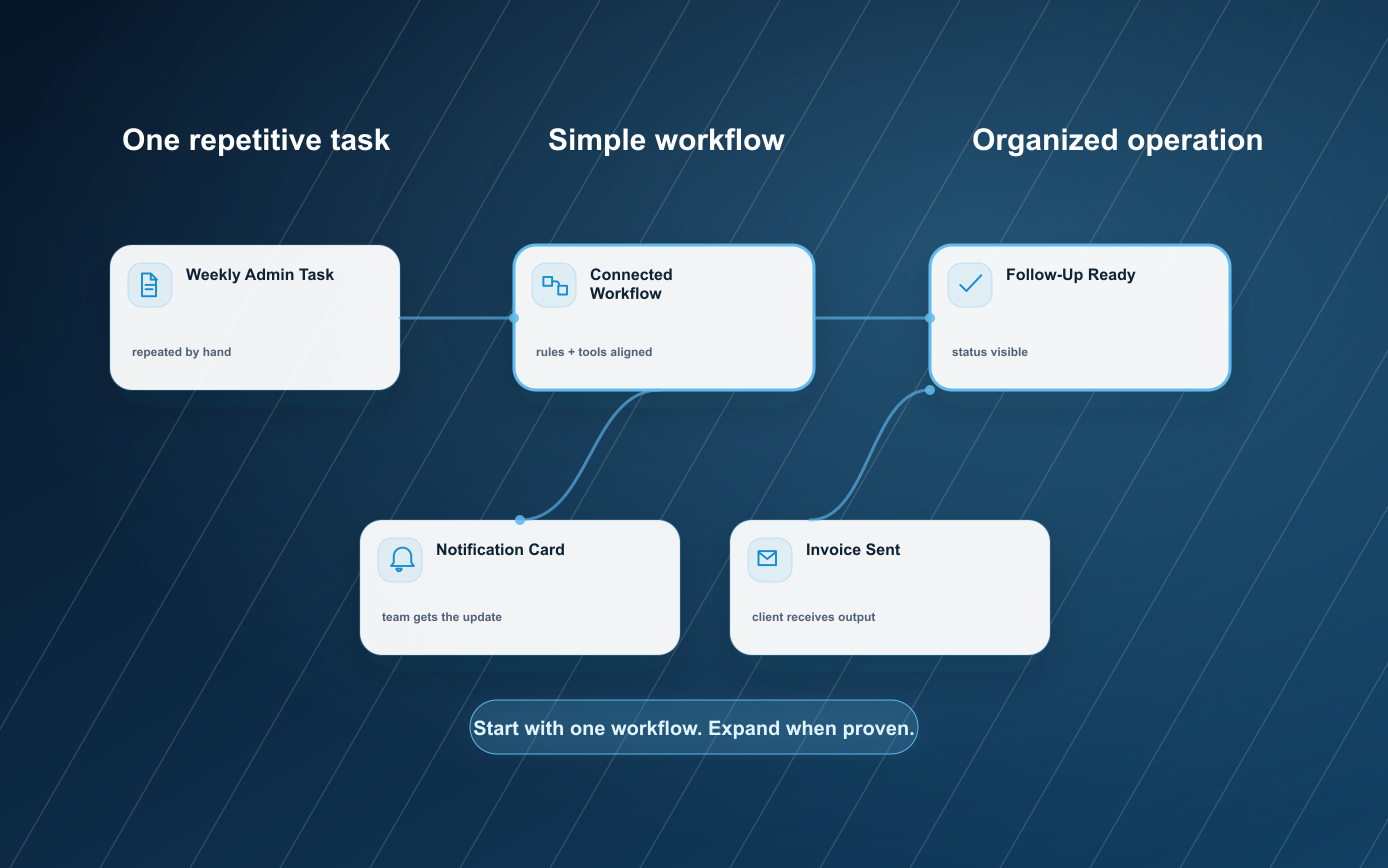
De tarea repetitiva a flujo simple.
Cada automatizacion empieza entendiendo el proceso real. Despues se mapean pasos, herramientas, pruebas y lanzamiento.
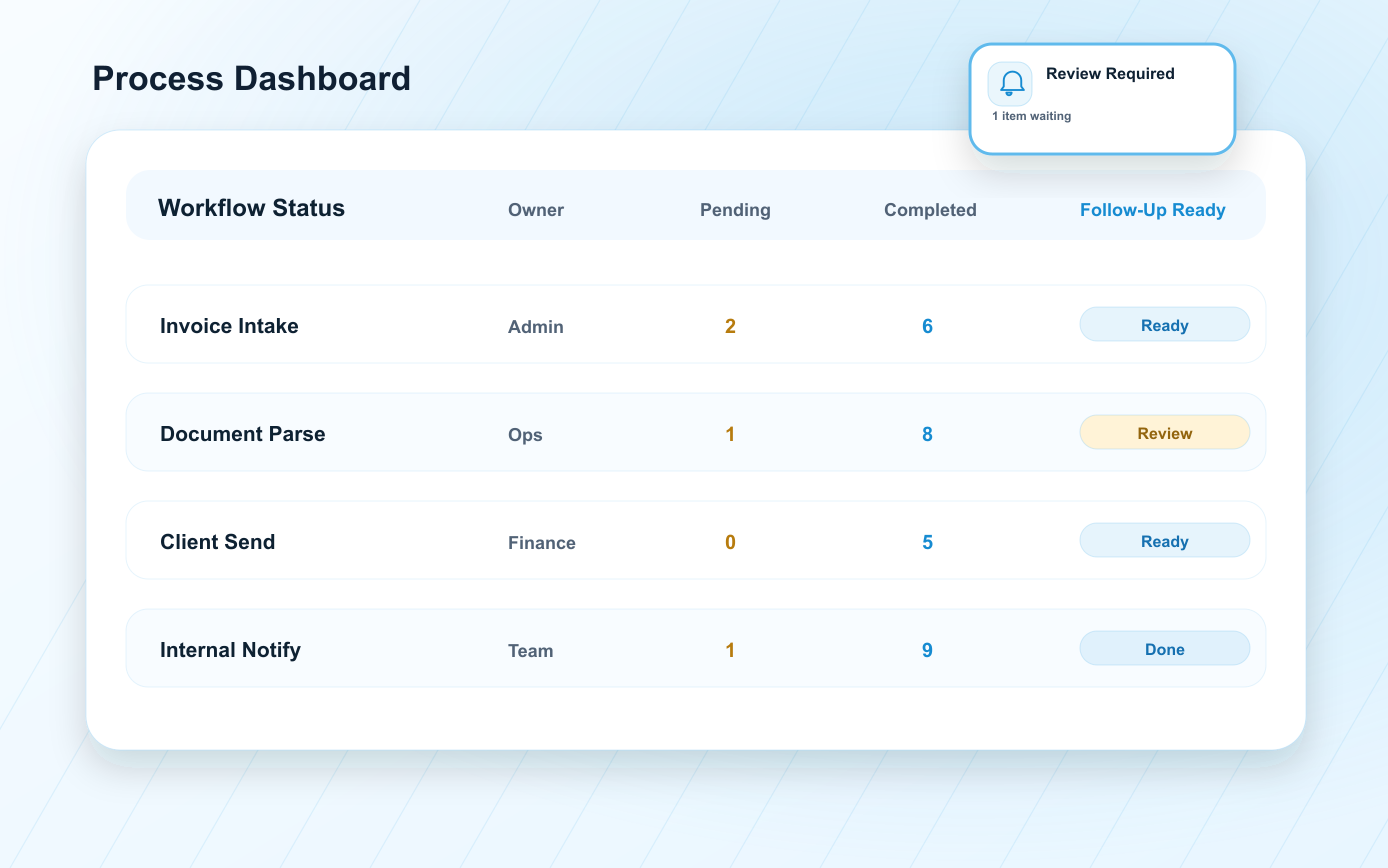
Review the Process
Identify the repetitive task, inputs, tools, decision points and desired outcome.
Map the Workflow
Define what triggers the automation, what data is needed and what should happen next.
Connect the Tools
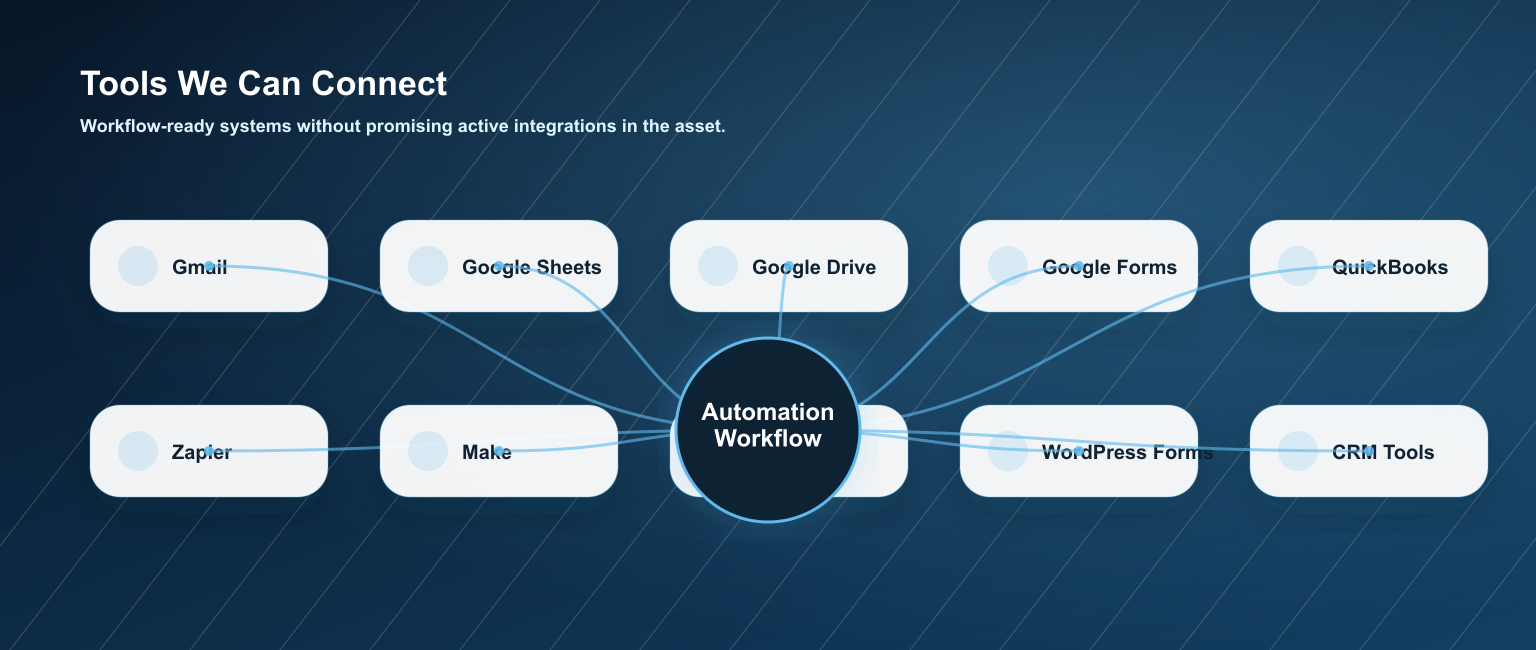
Link forms, email, Sheets, Drive, dashboards, CRM or AI tools depending on scope.
Test and Adjust
Run sample scenarios, validate fields, notifications, statuses and edge cases.
Launch and Maintain
Start with a controlled workflow and support the process with monthly monitoring when needed.
Automatizaciones para el trabajo que tu equipo repite cada semana.
Business Automations puede empezar pequeno y crecer conforme la operacion se vuelve mas clara.
Lead Intake Automation
Capture leads from forms, chatbot or email and register them in a central sheet or dashboard.
Appointment Request Automation
Organize appointment requests and notify the team for confirmation.
Email Classification Automation
Classify emails by sales, support, invoices, urgent requests, orders or general questions.
Document Generation Automation
Generate PDFs, reports, quotes or confirmations from form data.
Inventory Tracking Automation
Register stock movements, low inventory alerts or simple inventory logs.
Invoice Automation
Detect invoice data, register details, create a controlled workflow and notify the team.
Follow-Up Automation
Send reminders, confirm receipt or notify when an item is pending.
Google Sheets / CRM Dashboard Automation
Update Sheets, CRM fields or dashboard cards from incoming information.
Internal Notifications Automation
Send team alerts when a lead, document, invoice or request requires action.
Client Status Update Automation
Keep clients informed when a request moves to the next step.
Menos trabajo manual. Mas claridad operativa.
Save Time
Reduce repetitive admin work so your team can focus on higher-value tasks.
Reduce Errors
Keep data moving with fewer copy, paste and naming mistakes.
Improve Follow-Up
Notify the right person when a request needs attention.
Organize Information
Store files, data and statuses where your team can find them.
Move Faster
Shorten the distance between intake, action and response.
Support Growth
Start with one controlled workflow and expand when it is proven.
Conecta las herramientas que tu negocio ya usa.
Las automatizaciones se pueden definir alrededor de herramientas practicas que soportan tu proceso actual.
External tool costs, subscriptions, API usage or paid platform plans may be reviewed per project.
Empieza con el flujo que tu negocio necesita ahora.
Los paquetes se definen segun flujo, accesos, pruebas y soporte mensual.
Automation Starter
$150 setup / $30 monthly- One simple workflow
- Basic form, email or sheet handling
- Simple notification or status update
- Light testing and launch support
Automation Business
$500 setup / $95 monthly Recommended for controlled Invoice Automation- Controlled multi-step workflow
- Drive and Google Sheets organization
- Structured JSON preparation when in scope
- Team notification and handoff
- Monthly monitoring and minor adjustments
Automation Pro
From $1,500 - $2,000 setup / $350 - $450 monthly- Advanced workflow logic
- Multiple tools or process branches
- Dashboard or status view
- More testing and optimization
- Higher support needs
Custom Automation System
Custom Quote- Advanced OCR or document extraction
- High-volume or critical workflows
- Special business rules
- Bidirectional or critical sync
- Custom reporting and error handling
Extiende el flujo cuando el proceso este listo.
Algunos equipos empiezan simple y agregan mas automatizacion despues de validar el primer flujo.
Preguntas frecuentes
Listo para automatizar un proceso repetitivo?
Cuentanos que tarea repite tu equipo cada semana. Te ayudamos a identificar un flujo simple para ahorrar tiempo y organizar informacion.