
Automate Repetitive Work And Save Time In Your Business
We help small and growing businesses connect forms, emails, spreadsheets, dashboards, and AI tools into simple workflows that reduce manual work and improve follow-up.
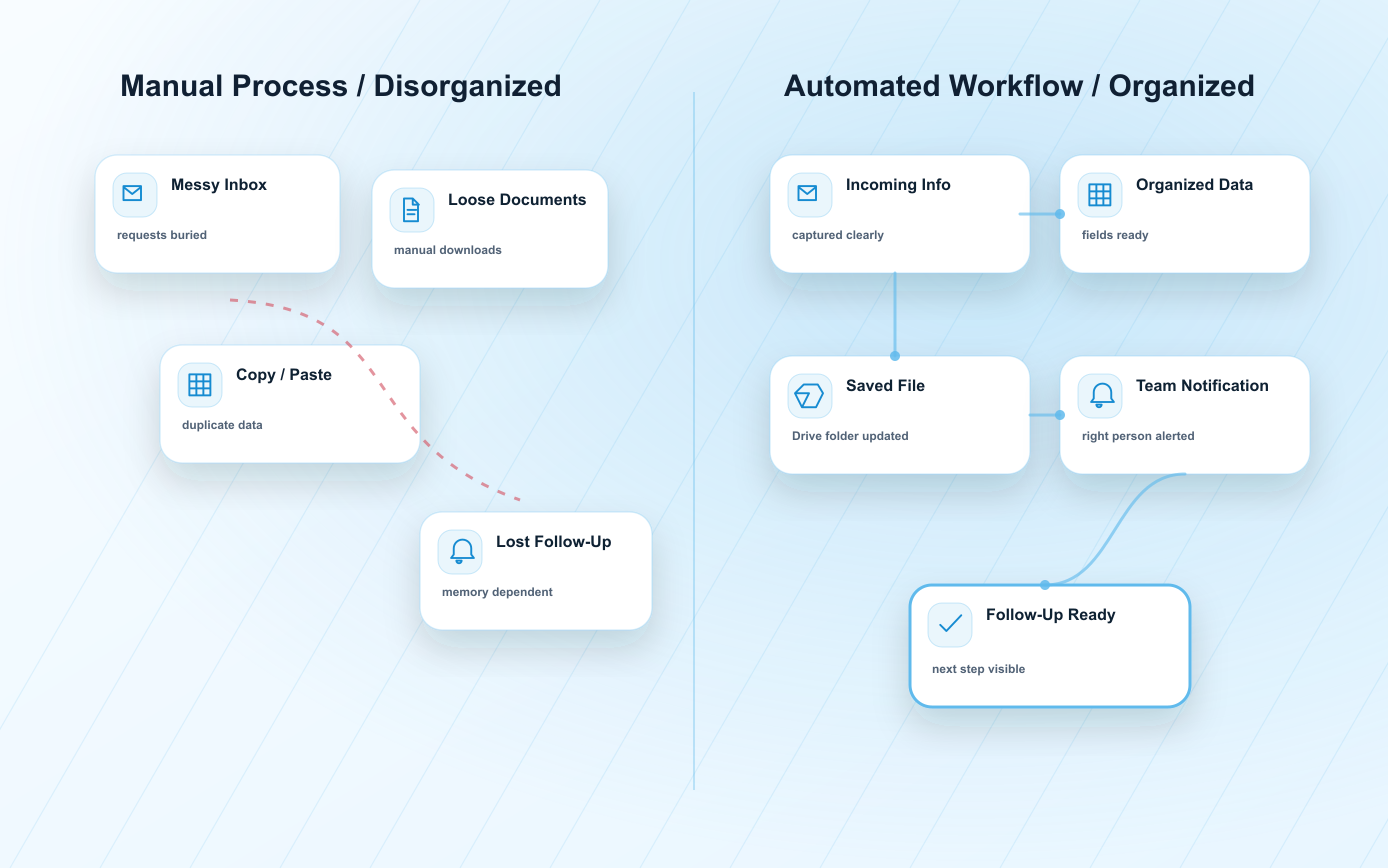
Your team may be spending too much time moving information by hand.
Important requests get buried in inboxes.
Data is copied manually into spreadsheets.
Documents are saved or renamed by hand.
Follow-up depends on memory.
Teams repeat the same admin steps every week.
Managers cannot see process status quickly.
Simple automation workflows that keep your business moving.
Ideas designs automation flows that connect your existing tools so information can move from intake to organization, notification and follow-up with fewer manual steps.
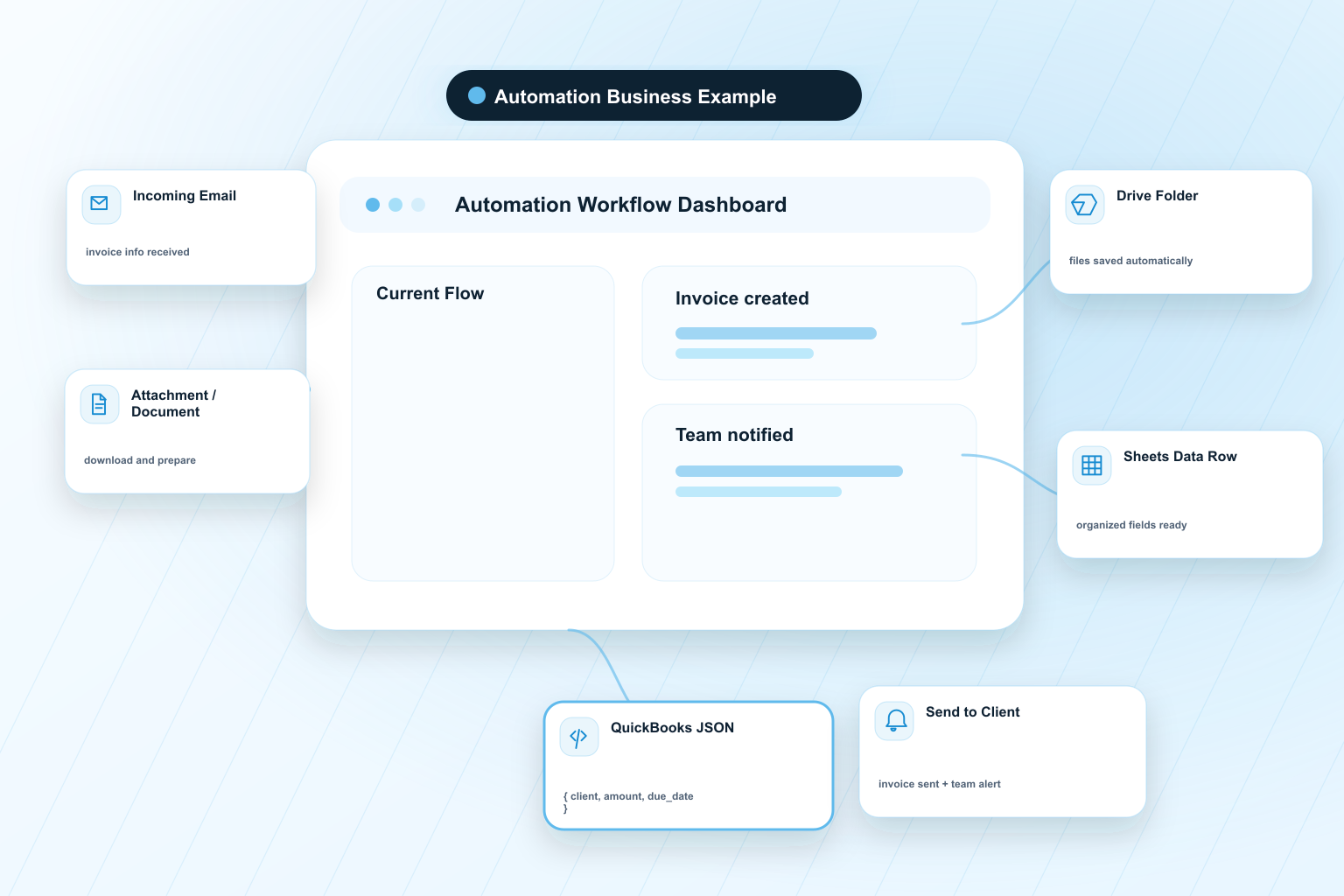
Invoice Automation can turn scattered documents into an organized process.
A business receives emails with invoice information. The automation identifies the relevant email, opens it, downloads attachments, saves those files in Google Drive, parses the important data into Google Sheets, prepares a structured QuickBooks JSON, creates the invoice in QuickBooks, saves the created invoice in Drive, sends it to the client and notifies the internal team.
Example package reference: Automation Business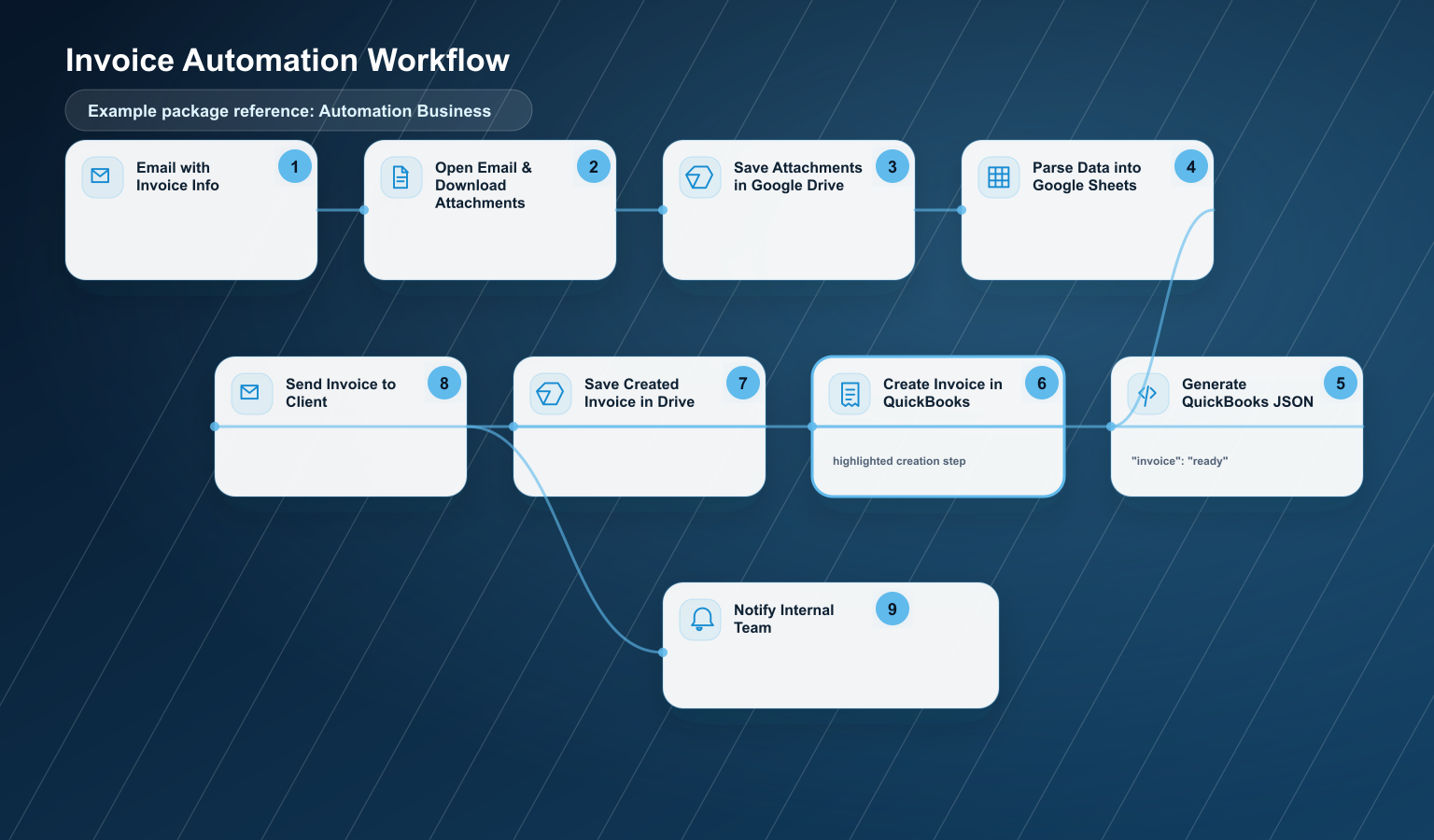
Email with Invoice Info
Open Email & Download Attachments
Save Attachments in Google Drive
Parse Data into Google Sheets
Generate QuickBooks JSON
Create Invoice in QuickBooks
Save Created Invoice in Drive
Send Invoice to Client
Notify Internal Team
This workflow can fit into Automation Business when the scope is controlled and does not require advanced OCR, complex approvals, high-volume processing or critical bidirectional QuickBooks synchronization.
It may move to Automation Pro or Custom when it includes advanced OCR, high volume, complex approvals, an advanced dashboard, special business rules, multiple document types, critical or bidirectional QuickBooks sync, or critical error handling.
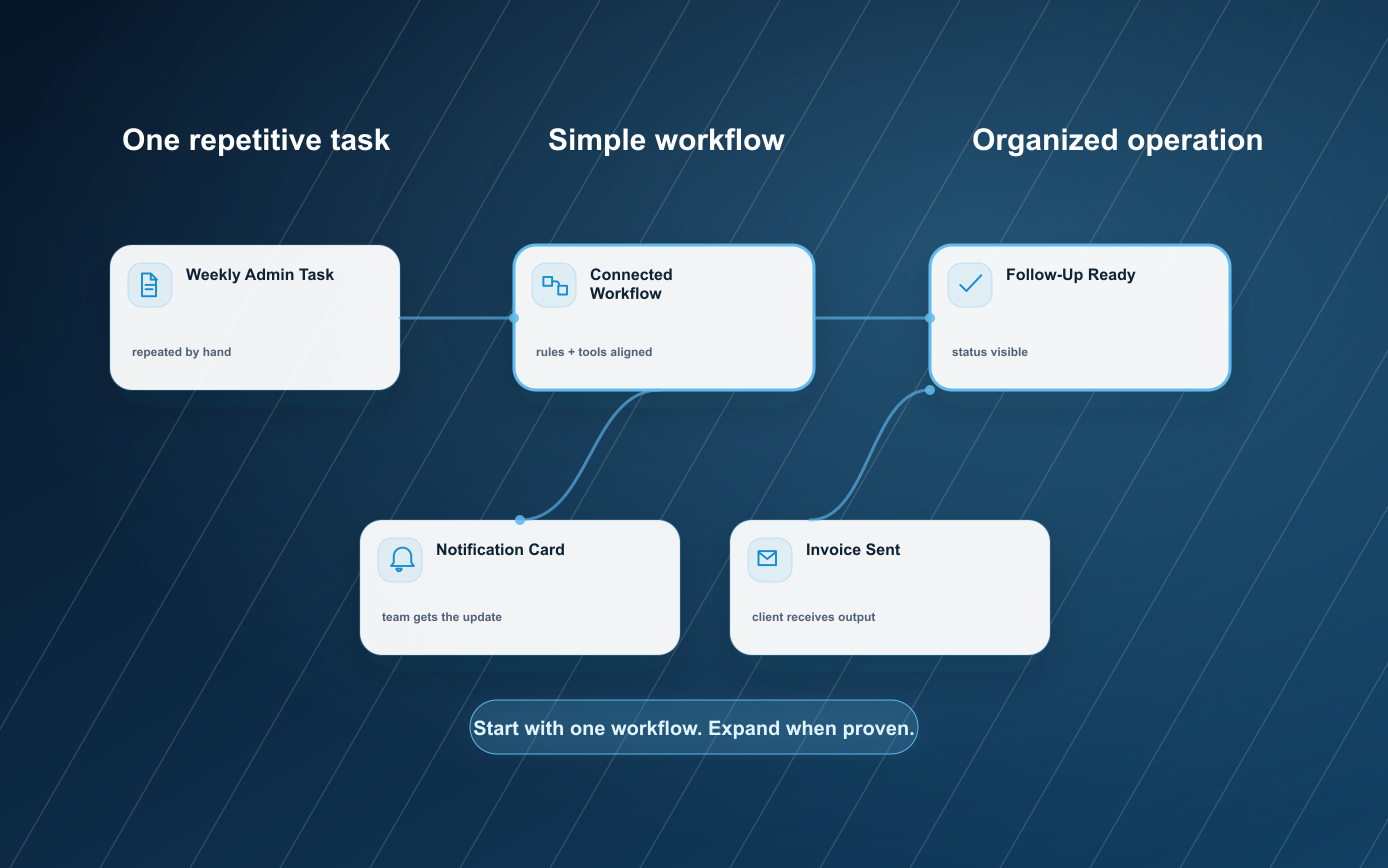
From repetitive task to simple workflow.
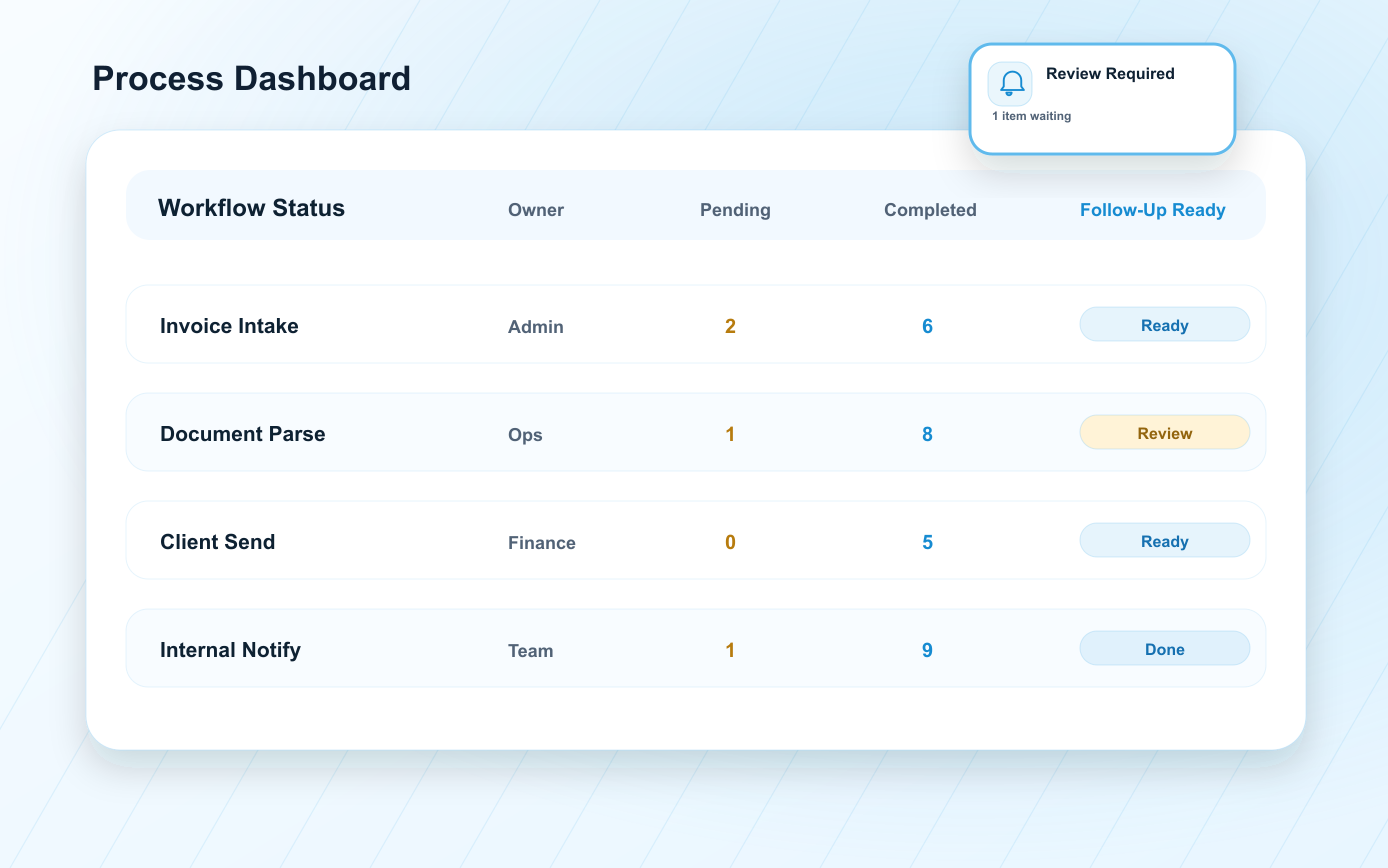
Every automation starts by understanding the real process first. Then Ideas maps the steps, connects the right tools, tests the workflow and leaves the business with a clear system.
Review the Process
Identify the repetitive task, inputs, tools, decision points and desired outcome.
Map the Workflow
Define what triggers the automation, what data is needed and what should happen next.
Connect the Tools
Link forms, email, Sheets, Drive, dashboards, CRM or AI tools depending on scope.
Test and Adjust
Run sample scenarios, validate fields, notifications, statuses and edge cases.
Launch and Maintain
Start with a controlled workflow and support the process with monthly monitoring when needed.
Automations for the work your team repeats every week.
Business Automations can start small and grow as your operation becomes clearer.
Lead Intake Automation
Capture leads from forms, chatbot or email and register them in a central sheet or dashboard.
Appointment Request Automation
Organize appointment requests and notify the team for confirmation.
Email Classification Automation
Classify emails by sales, support, invoices, urgent requests, orders or general questions.
Document Generation Automation
Generate PDFs, reports, quotes or confirmations from form data.
Inventory Tracking Automation
Register stock movements, low inventory alerts or simple inventory logs.
Invoice Automation
Detect invoice data, register details, create a controlled workflow and notify the team.
Follow-Up Automation
Send reminders, confirm receipt or notify when an item is pending.
Google Sheets / CRM Dashboard Automation
Update Sheets, CRM fields or dashboard cards from incoming information.
Internal Notifications Automation
Send team alerts when a lead, document, invoice or request requires action.
Client Status Update Automation
Keep clients informed when a request moves to the next step.
Less manual work. More operational clarity.
Save Time
Reduce repetitive admin work so your team can focus on higher-value tasks.
Reduce Errors
Keep data moving with fewer copy, paste and naming mistakes.
Improve Follow-Up
Notify the right person when a request needs attention.
Organize Information
Store files, data and statuses where your team can find them.
Move Faster
Shorten the distance between intake, action and response.
Support Growth
Start with one controlled workflow and expand when it is proven.
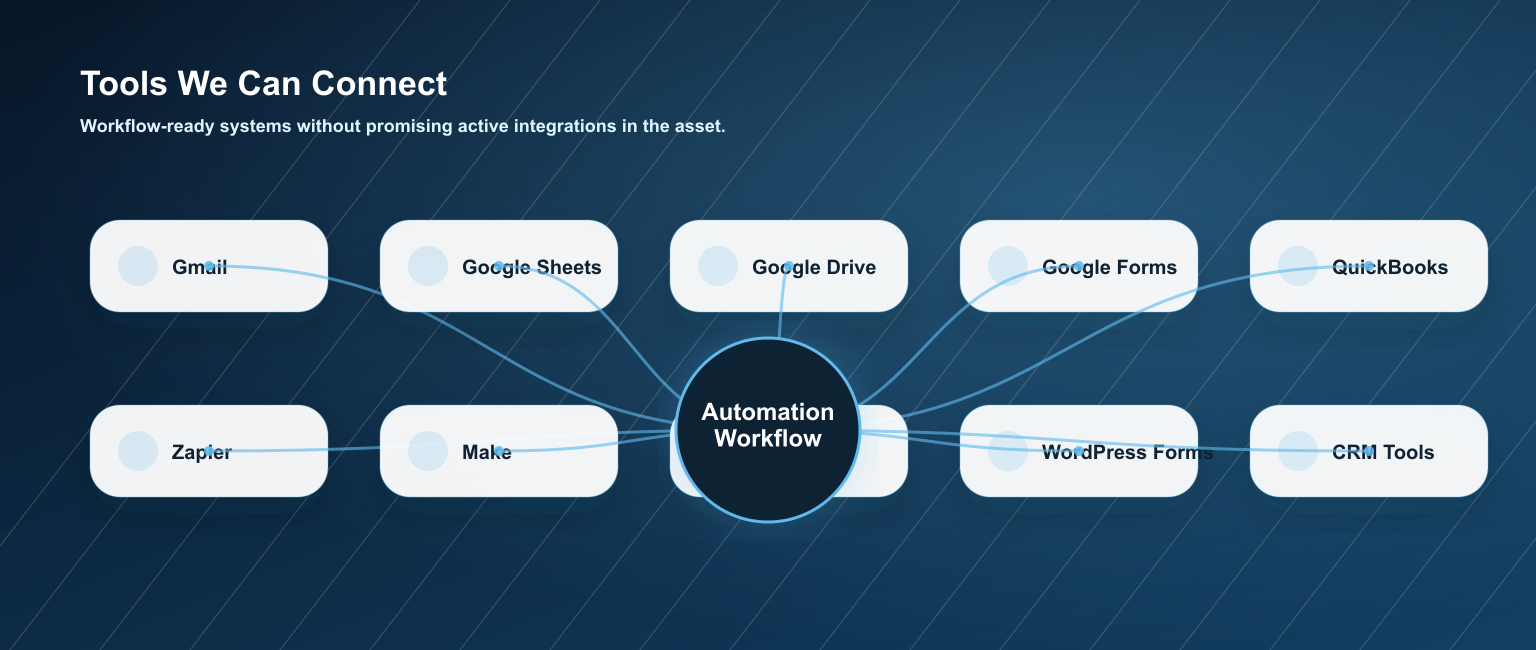
Connect the tools your business already uses.
Automations can be scoped around practical tools that support your current process.
External tool costs, subscriptions, API usage or paid platform plans may be reviewed per project.
Start with the workflow your business needs now.
Packages are scoped around controlled workflows, tool access, testing needs and monthly support.
Automation Starter
$150 setup / $30 monthly- One simple workflow
- Basic form, email or sheet handling
- Simple notification or status update
- Light testing and launch support
Automation Business
$500 setup / $95 monthly Recommended for controlled Invoice Automation- Controlled multi-step workflow
- Drive and Google Sheets organization
- Structured JSON preparation when in scope
- Team notification and handoff
- Monthly monitoring and minor adjustments
Automation Pro
From $1,500 - $2,000 setup / $350 - $450 monthly- Advanced workflow logic
- Multiple tools or process branches
- Dashboard or status view
- More testing and optimization
- Higher support needs
Custom Automation System
Custom Quote- Advanced OCR or document extraction
- High-volume or critical workflows
- Special business rules
- Bidirectional or critical sync
- Custom reporting and error handling
Extend the workflow when the process is ready.
Some teams start simple and add more automation after the first workflow proves useful.
Frequently Asked Questions
Ready to automate one repetitive process?
Tell us what task your team repeats every week. We will help you identify a simple workflow that can save time, organize information and improve follow-up.