
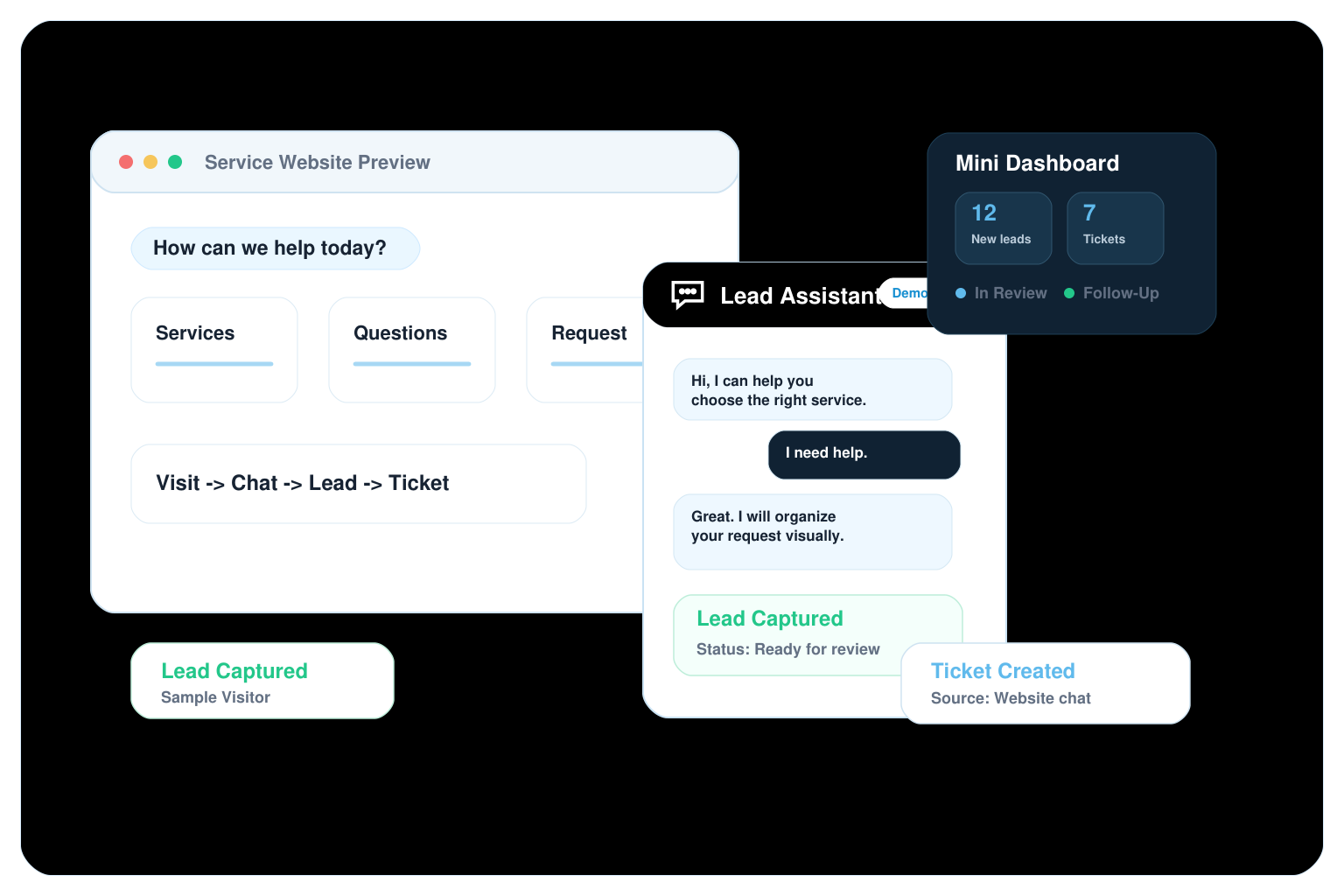
Turn Your Website Into a 24/7 Lead Assistant
Show visitors a guided way to ask questions, share their needs, and become organized leads with a visual chatbot experience, simulated ticket flow, and dashboard preview built for future automation.
Visitors are interested, but the first conversation is often where leads get lost.
Website visitors leave without starting a clear conversation.
Contact forms capture too little context.
Repeated questions consume time every week.
Leads arrive through too many disconnected channels.
Follow-up depends on manual reminders.
The business cannot easily see lead status, request type or conversation context.
A guided chatbot experience that turns interest into organized lead requests.
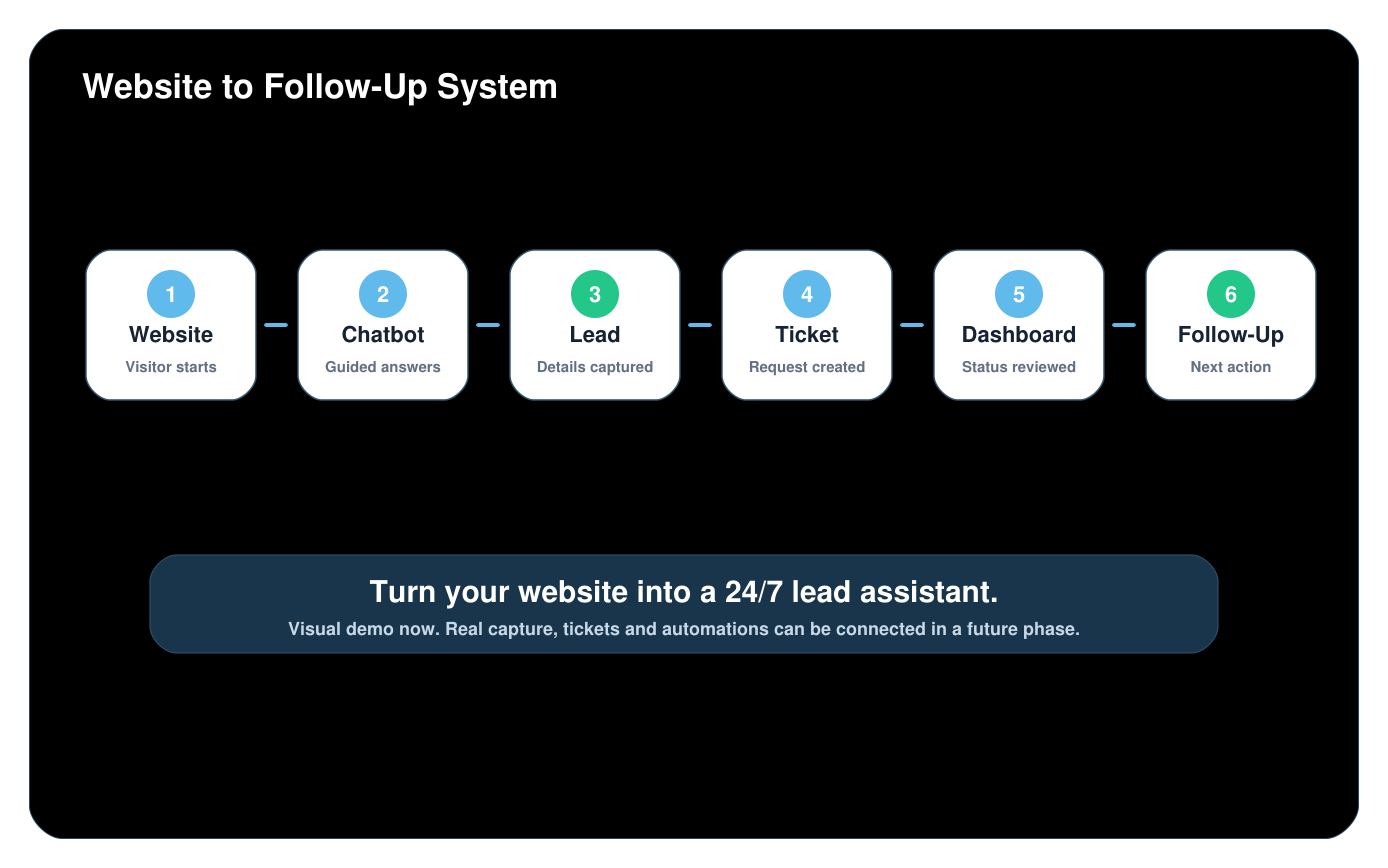
From website visit to lead request in a few guided steps.
Visitor Opens the Chat
A website visitor starts from the floating assistant bubble.
The Assistant Guides the Conversation
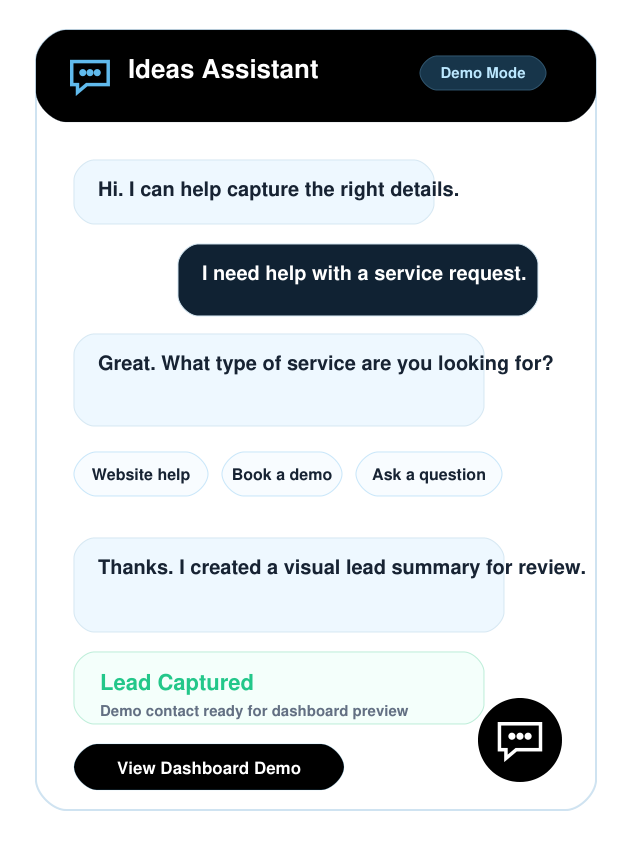
The demo shows questions, quick replies and focused prompts.
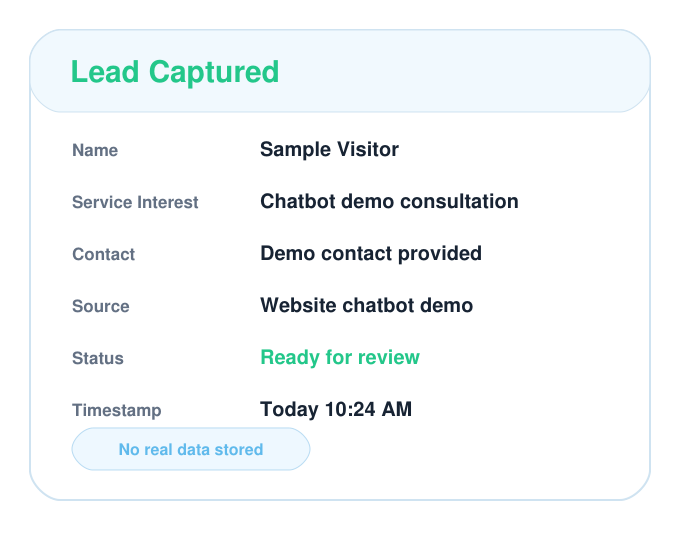
Lead Information Is Organized
The loose message becomes a structured lead preview.
A Ticket Is Created Visually
A request receives a source, category and visible status.
The Business Reviews the Dashboard
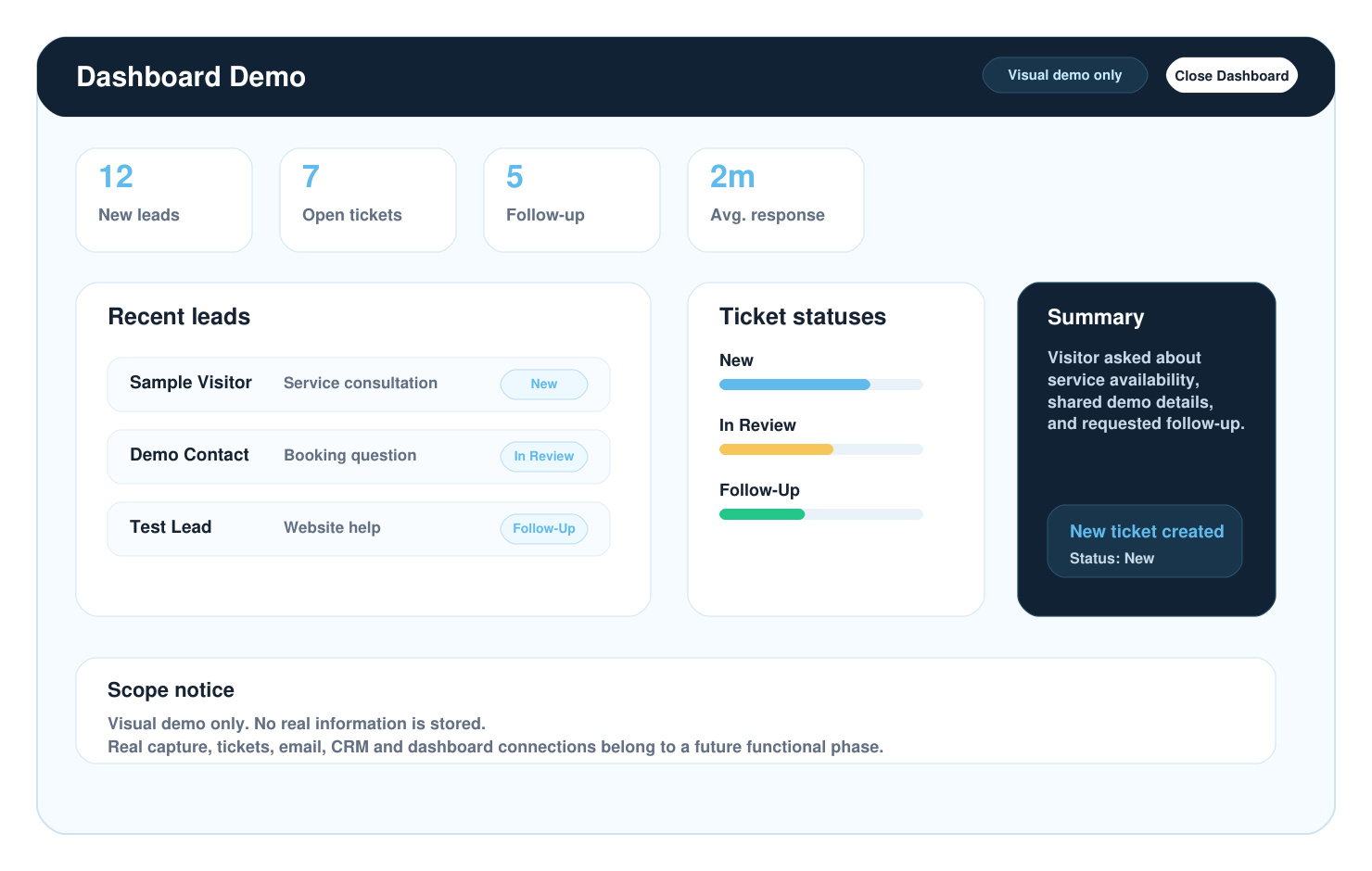
Leads, tickets and conversation context appear in a simulated dashboard.
This first phase is visual only. Real capture and automation can be connected in a future functional phase.
Experience it before you build it
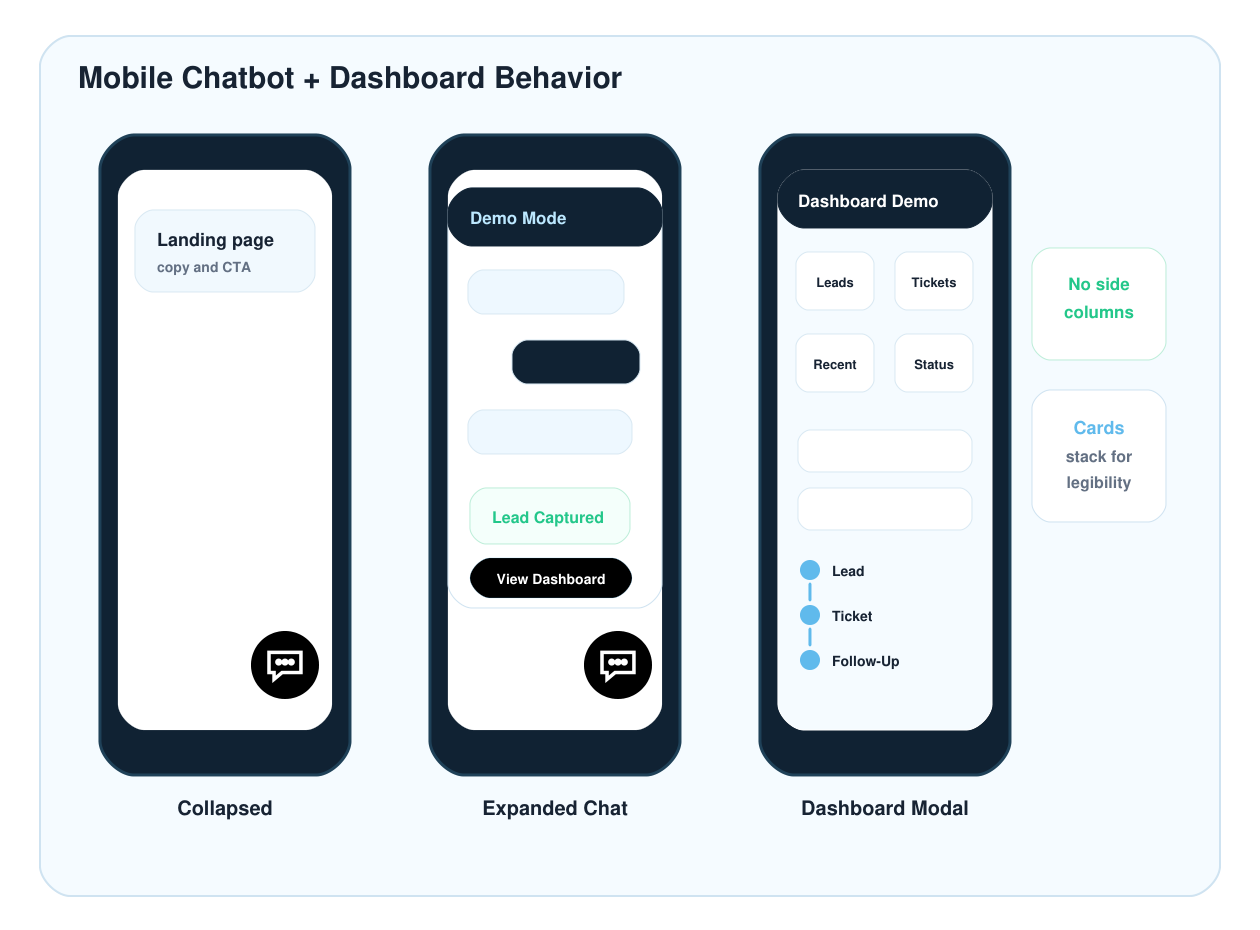
Open the chatbot demo and dashboard preview to see how the conversation, lead capture, tickets, and dashboard could work together before building real integrations.
Make your website more useful before, during, and after the first conversation.
Capture More Complete Leads
Ask the right questions before your team follows up.
Reduce Repetitive Questions
Guide visitors through common needs and next steps.
Stay Available After Hours
Give visitors a way to start even when your office is closed.
Organize Requests Faster
Turn conversations into structured lead or ticket previews.
Improve Follow-Up Context
See what the visitor asked, selected and shared.
Prepare for Automation
Start with a visual demo and grow toward real workflows later.
We design chatbot experiences as part of the business system, not as a disconnected widget.
Business-first conversation design
Flows are planned around real customer questions and service requests.
Visual proof before full integration
The demo helps approve the experience before real connections are built.
Ready for future systems
The structure can later connect to email notifications, CRM, dashboards and automation workflows.
Start with the right level of chatbot experience for your business.
Chatbot Informativo
$50 / month $300 - $500 one-time setup. Regular future monthly rate: $75 / month.- Website chatbot
- Basic training with business information
- Services, hours, location and contact answers
- WordPress installation
Chatbot Lead Capture
$100 / month $500 - $750 one-time setup. Regular future monthly rate: $150 / month.- Everything in Chatbot Informativo
- Name, email and phone capture
- Service interest question
- Simple operational dashboard preview
Chatbot Ticket + Dashboard
$250 / month $900 - $1,500 one-time setup. Regular future monthly rate: $350 / month.- Custom chatbot flow
- Contact, service and project ticket preview
- Lead and ticket dashboard structure
- Basic metrics and internal notifications planning
Final pricing depends on conversation flows, integrations, dashboard complexity, email/notification logic, CRM requirements, automations, maintenance, assistant training, language requirements and expected lead volume.
Future modules can be added when the workflow is ready.
Start with the chatbot level your business needs today, then connect the extra systems that make follow-up clearer, faster and easier to manage.
Questions businesses usually ask before building a chatbot assistant.
Ready to make your website work like a lead assistant?
Start with a visual chatbot demo that shows how visitors can ask questions, share their needs, become organized leads, and move into a future dashboard and follow-up system.
Request a Chatbot Demo Visual demo first. Real integrations when the workflow is approved.